
Step 1: Register for an account

Click sign in and it will take you to the login page. If you do not have an account already, it will give you an option to register. Provide a few details and you are off to the races!
Step 2: Add a Golf Simulator Directory Listing
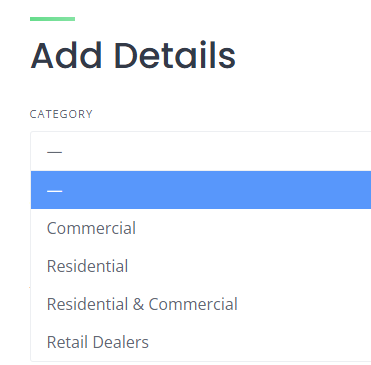
Click on the Add Listing button and then select the category for your listing. When you pick the category, the form will update with the fields you are able to provide about your business. Best practice is to add an image that is your logo and one that is a great example of your work. Then carefully provide the listing details suggested on the page.
Step 3: Review, Submit, and Pick Your listing Type
Once you are ready to submit, take one last pass through to make sure everything is accurate and shares what you want potential clients to know about your service. Hit submit at the bottom of the page and you’ll be taken to a page to choose a listing type. You can pick a free listing or a premium listing to better highlight you on our website.